P–01Web toolFeatured
YouTube MP3
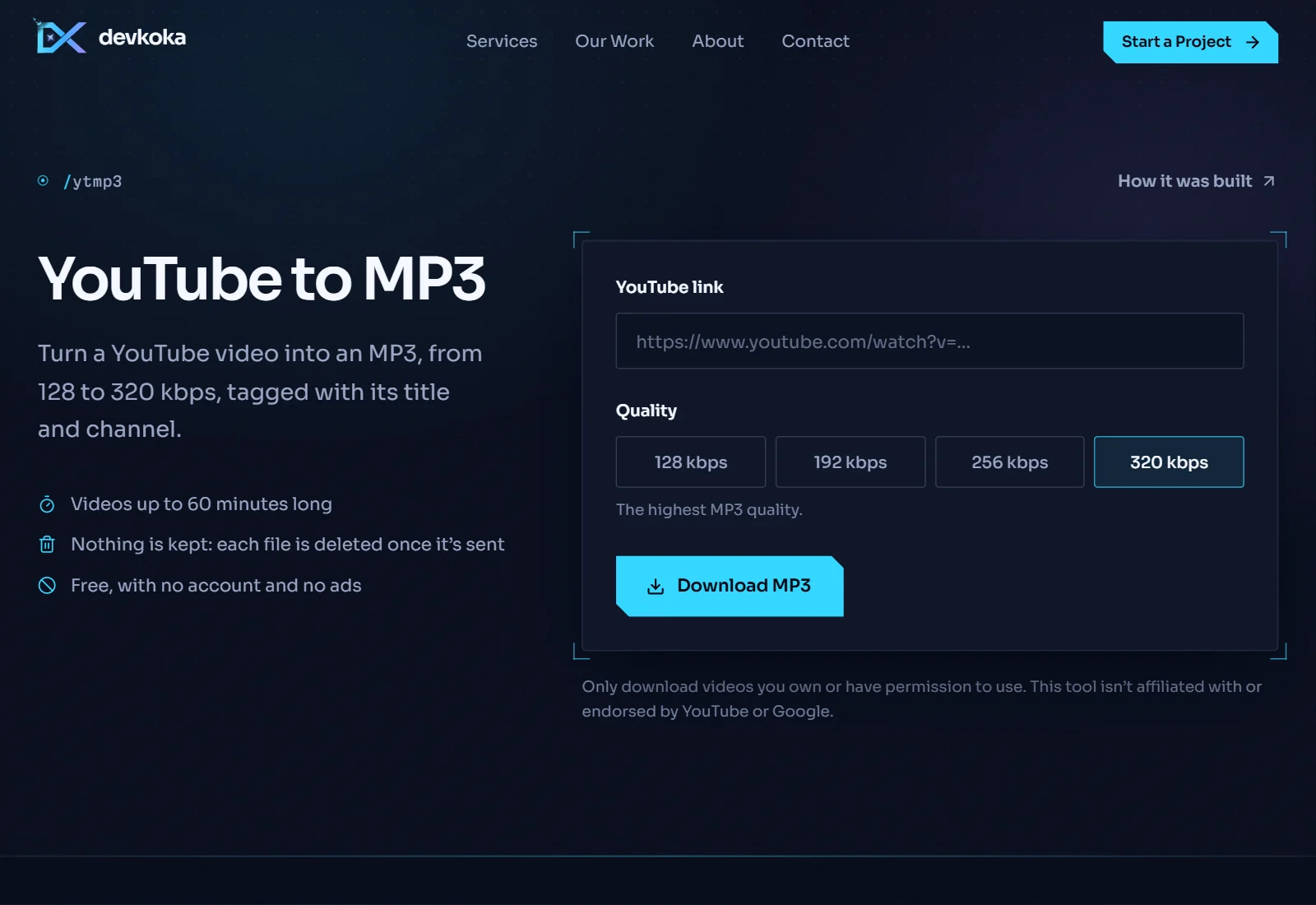
Paste a YouTube link and get an MP3 at up to 320 kbps, tagged with the video’s title and channel. It began as a Windows desktop app and now runs live on this site too.
Overview
YouTube MP3 turns a video link into a clean audio file. You choose the bitrate, from 128 kbps for speech to 320 kbps for music, and the file arrives tagged with the video’s title and channel, so it shows up properly in any music player.
It started as a desktop app for Windows, written in Python with its own interface. yt-dlp reads the video and FFmpeg encodes the MP3. When YouTube refuses one source, the tool quietly tries another stream format and then a different player before giving up, and it explains any failure in plain words instead of an error code.
The web version runs the same engine on the server: the audio is fetched, converted and sent straight to your browser, and nothing is kept afterwards.
How it works
- 01
Paste a link to a YouTube video.
- 02
Choose the MP3 quality, from 128 to 320 kbps.
- 03
Press Download. The audio is converted and saved to your device.